 lunabia
Baby tracker with partner: what a shared log really needs
A baby tracker should show feedings, sleep and nappies no matter who's tapping the screen. We explain what that takes technically, and where the limits are.
Why couples want to track together at all
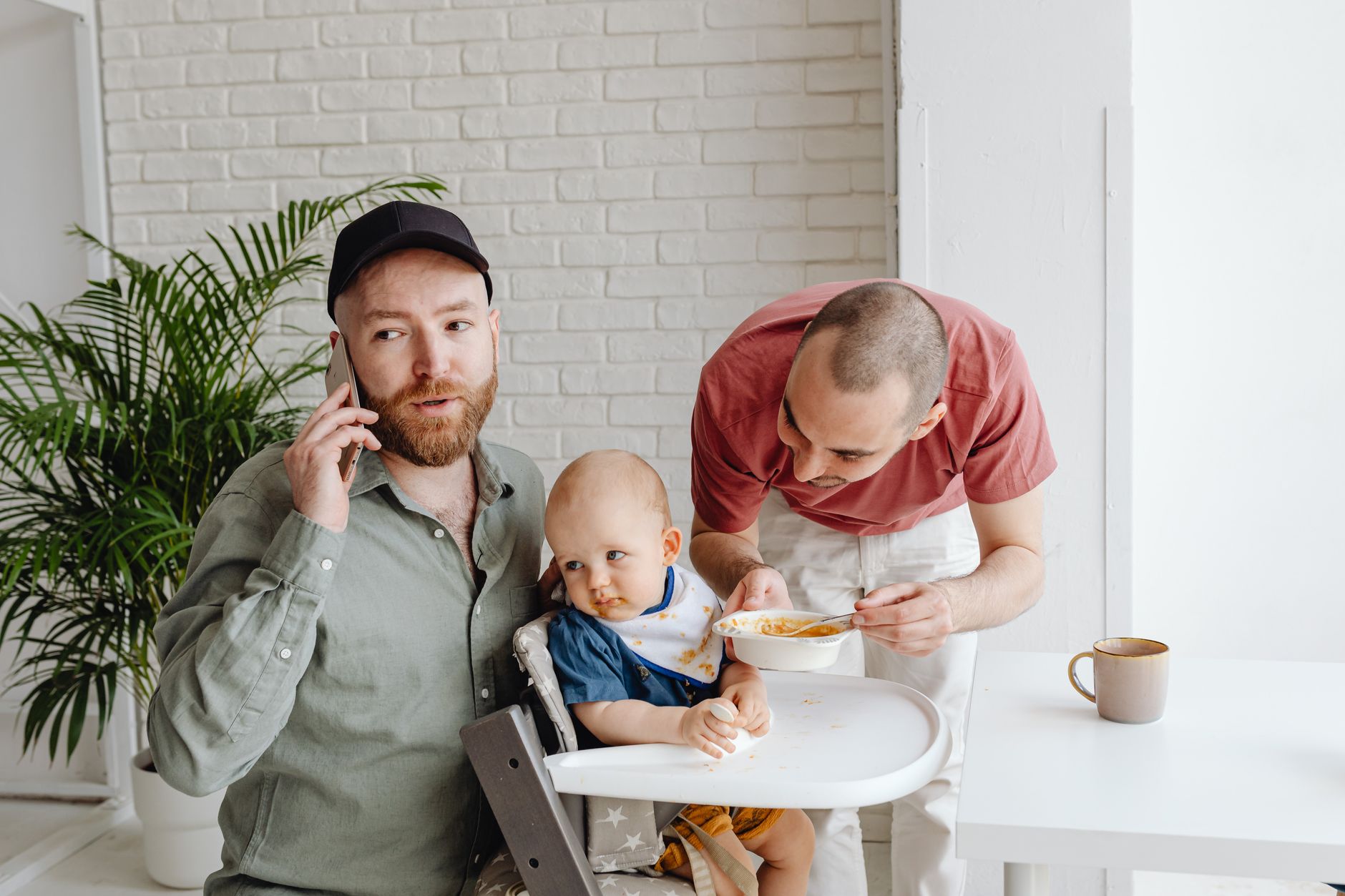
At three in the morning, it's usually the same question: who fed the baby last, and how long ago was that. When both parents get up at night, a note on the nightstand rarely cuts it. Entries go missing, memory plays tricks, and in the end someone feeds too early or misses that the baby has already been awake for two hours. A tracker that both of you can see is meant to solve exactly that: one shared, reliable view of feedings, sleep and nappies, no matter whose hands the phone is in.
That sounds simple, but technically it isn't. As soon as two people with two separate accounts need to see the same data, you need background syncing, rules for what happens when both enter something at the same time, and a clear answer to who's allowed to change what. Many apps promise this without actually solving it cleanly.
What a shared tracker really has to do
One place for the data, not two
For a log to be truly shared, the entries can't sit in two separate places that only sync now and then. Otherwise you end up in exactly the situation you were trying to avoid: one parent logs a feeding, and the other device only shows it after a delay, or not at all, because the internet connection dropped out at just the wrong moment. At its core, a shared log needs a single data source that both devices point to.
Visible right away, not just the next day
At night, every minute counts. If an entry only syncs by morning, it's no help during the night itself. A shared tracker worth using shows new entries on the other device within seconds, so nobody has to ask "did you already feed her" in the first place.
Clear permissions instead of confusion
Who's allowed to delete an entry, and who can only view it. For two parents who are both responsible for the child, the simplest and most honest solution is: both can do everything. But as soon as other people are added, a childminder or the grandparents, for example, things change. Then you often don't want every single person seeing growth data or mood notes, let alone changing them.
How Lunabia handles this, honestly
Here's the part that matters before you commit to an app: Lunabia doesn't have a shared log built on two separate accounts that update each other. There's no feature where Mum has her own account, Dad has his own, and both see the same feedings in real time under two different logins.
What we do have is simpler, and in practice often exactly what couples need: sign in with the same account on both phones, using the same email address and the same six digit code, which you get freshly each time you log in. From there, the app syncs the data between devices. Whoever logs a meal, on whichever phone, the other device shows it moments later. Sleep times, nappies, growth, it all runs through the same base, because technically it's one account, not two.
The difference from a "true" two account system is mainly that there are no separate roles. There's no "Dad sees less than Mum." Both of you see everything, both of you can change everything. For most couples who share a child and both get up at night, that's exactly the reality they're already living.
What grandparents and friends can see, and what they can't
Separate from all this is a second feature: Family Sharing. It's built for a different situation, not for the two people raising the child, but for the wider circle who want to be part of it without being there day to day. The grandmother who wants to know what her grandchild looks like right now. The friend who's happy to see a new video.
For that, the mother invites someone to the child's profile with a code and then approves them individually. Until then, nothing is shared. And even afterwards, these people only ever see photos, videos and the note attached to them, whatever the mother chooses to share for a particular moment. No access to feedings, no sleep log, no growth percentiles, no bump photos, no cycle, no mood. Saving the images is off by default, and the mother turns it on per person if she wants to. Anyone can be removed again at any time.
So Family Sharing isn't a window into everyday life, it's a series of individually chosen moments. That's exactly why it doesn't work as a substitute for a shared log between parents. If you want to know when the baby last drank, you need access to the raw data, not to a handful of selected photos.
Two needs, two solutions
The mix up happens often: people search for "baby tracker with partner" and actually mean two different things. One is the close, everyday collaboration between parents, with full access to every entry. The other is sharing the joy with people who aren't there every day, without giving those people insight into feeding times or weight.
| Need | Who needs it | What it shows |
|---|---|---|
| Shared log | Parents, day to day | All entries, in real time |
| Family Sharing | Grandparents, friends | Selected photos and videos |
If you need both, you need both solutions at once. One account for you and your partner on your respective phones, plus individual shares for the people on the outside who want to celebrate along with you. One doesn't replace the other, and no app that's honest with you will tell you otherwise.
In the end, what matters isn't how many accounts are technically possible, but how much control you keep over what others can see. A tracker that shares everything with everyone the moment someone's invited takes that control away from you. A tracker where you release each moment individually gives it back.
FAQ
Can you share a baby tracker with your partner?
With Lunabia, you log in with the same account on both phones, and the app automatically syncs feedings, sleep and nappies between the devices. We don't offer a log built on two separate accounts that update each other.
Do grandparents see feedings and sleep too through Family Sharing?
No. People you've added can only see photos, videos and the note attached to them, each individually shared with them. Growth, sleep, meals, cycle and mood always stay private.
How do I set up a shared account on two phones?
You both log in with the same email address and enter the six digit code you receive by email. After that, both devices show the same entries and keep syncing continuously.
Can I remove someone from Family Sharing again?
Yes, you can do that at any time in the app. As soon as you remove someone, they immediately lose access to any future shares.
This text does not replace a visit to your doctor or midwife. If something hurts or worries you, call them, even at night.
All posts on this topic: The first two years, day to day